

Happy Easter Day! Get 20% OFF for all products by entering “easter2024″ at checkout. Expire on 6 April, 2024.
mooSocial PHP 8 compatible version and mobile app 1.9 Release
We are pleased to announce the release of mooSocial 3.2.0 and mobile app 1.9.
Keeping PHP version up-to-date is highly recommended and important as it makes the site safer and faster. It’s what we focused on in 3.2.0.
Beside that, we also made some improvements follow the contribution from members of the moosocial community site. A lot of found bugs from the previous version are also addressed at this new release.
Regarding the mobile apps, In version 1.9 of the apps, we converted the apps to use react-native. It is the most popular technology being used by many mobile app developers. This makes the app easier to develop and maintain.
Main Updates in the 3.2.0
- Php 8: Upgraded core + all plugins to make them compatible with php 8
- Report for comment: Added option to allow user to report a comment or reply
- Improved email verification process: System will send the verification code instead of link for user to click on to verify
- Events plugin: Added “All events” tab that shows all events inside the system. Latest created event will be on top
- Event plugin: Improved date + time picker to make it more easier to select date and time and make it consistent with the apps.
- Removed membership package selection field at sign up page. Members will be asked to upgrade membership if it’s enabled after logged in.
- Forgot password flow change: If the user has not verified email yet then use the forgot password function to recover password. If he finished all steps the system will auto set him as verified also.
- Added hide/show pass icon into pass field
- Block feature: Do not allow regular user to block admin
- Reflected XSS issue in 3.1.8: fixed follow the report here https://www.exploit-db.com/exploits/51670
- Fixed a lot of found bugs from previous versions
Main Updates in 1.9
- Dark mode support
- Open ID integrated: SSO login in to mooSocial apps via any OAuth/OpenID Connect Identity provider such as facebook, google, apple…, and others. This integration allows secure login to your mooSocial apps without having to remember a username and password.
- UI/UX improvements
- In-app purchase improvements
- Convert all existing native features to react-native technology for easier to develop and maintenance
- Improve email verification, it send the code instead of verification link
- Fixed a lot of found bugs from previous versions.
Below are some importance notes for the new version:
- New versions are available to download at client area
- Paid plugins are fully compatible with the 3.2.0 version.
- Upgrade your apps to 1.9 if you upgraded your site to 3.2.0 version.
- Paid themes: all themes are fully compatible with 3.2.0 version.
- mooSocial cloud: new version will auto update soon for all existing clients.
DO NOT upgrade your live site and app until you have a full backup of your site’s files, database and have successfully performed a test upgrade on your development (test) site first.
Regards,
mooSocial Team
Happy Lunar New Year and Get 20% Off Now!

Use code “hpny2024″ at checkout. Expired 15 Feb, 2024.
HAPPY NEW YEAR 2024! IT’S TIME FOR GIFTS!
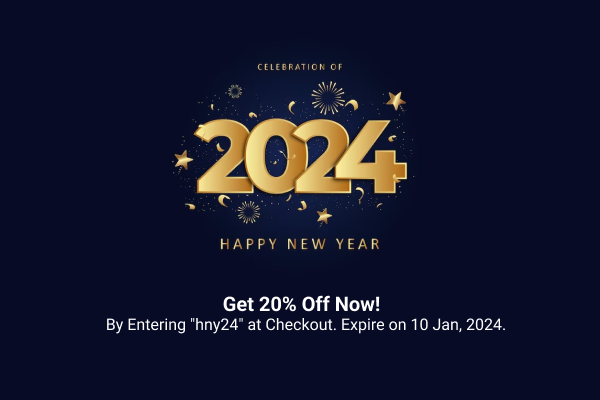
We heard you’re excited about the New Year. We want to make the upcoming year 2024 special for you as well by offering 20% off on our products and services. This over is validated till Jan 10-Jan-2024.
Sounds great? Use code hny24 to get 20% OFF now
Black Friday Super Sale
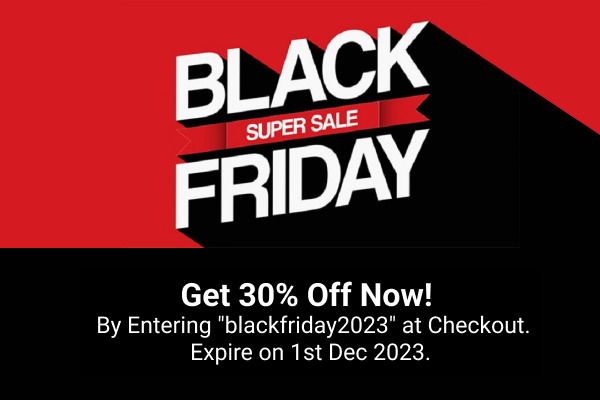
mooSocial Black Friday Sale! Get 30% Off on all products by entering “blackfriday2023″ at checkout. Expire on 1st Dec, 2023.